Help me pick a homepage

I’m redesigning farhanmunshi.co, my consulting site. Here are five directions. They all say the same thing, only the look changes. Open each one, scroll around, try it on your phone too, then tell me which one you’d pick.
1

Cover

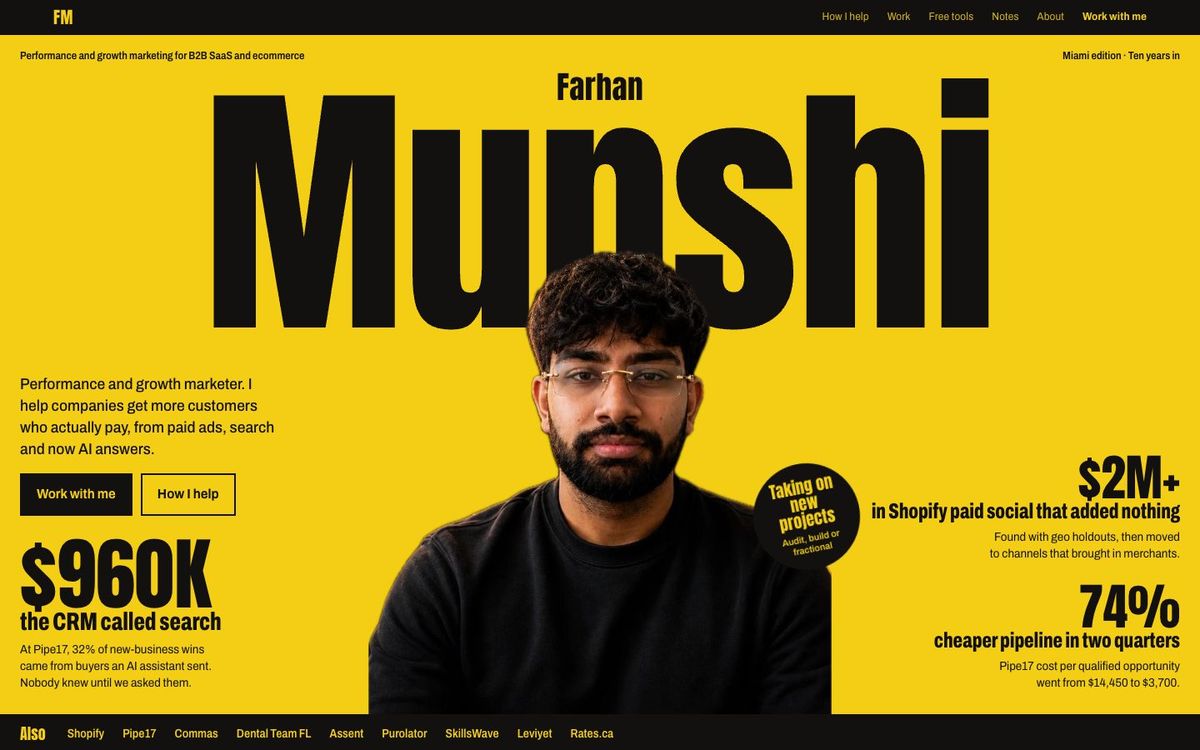
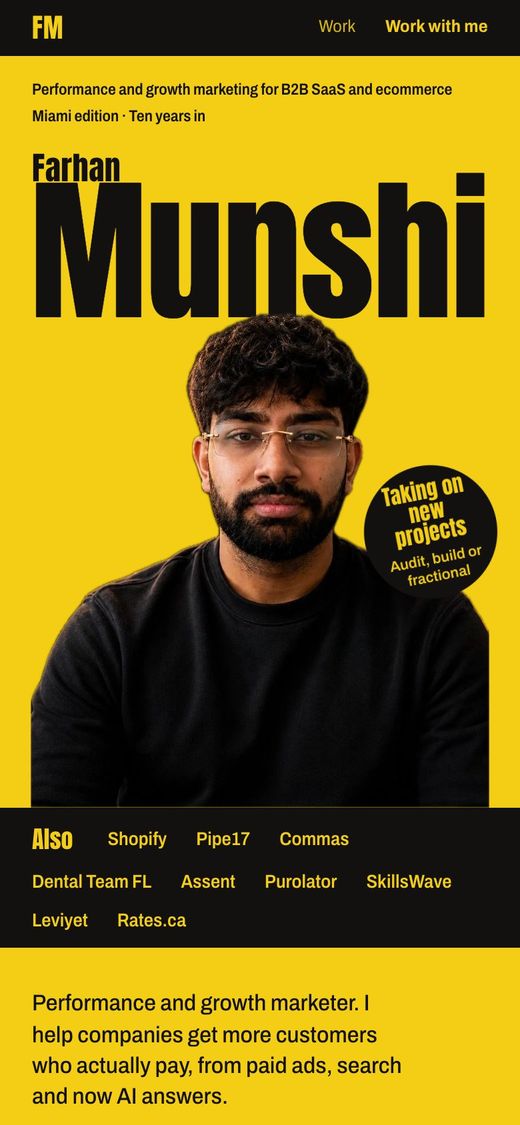
A magazine cover. My name is the masthead, and the results are the cover lines. Inside there’s a contents page, the services and a note from the editor.

Try: on a laptop, move your mouse around the cover.

Open it

Option 1, Cover, on a laptop
Option 1, Cover, on a phone
2

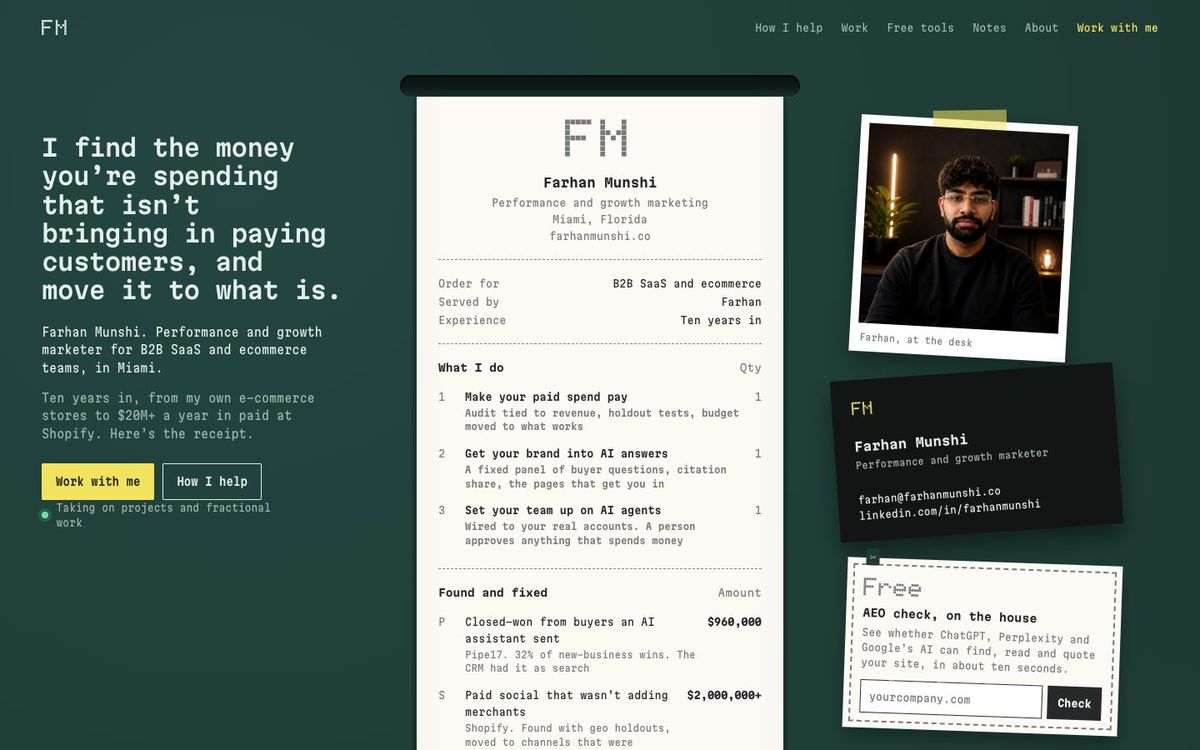
Receipt

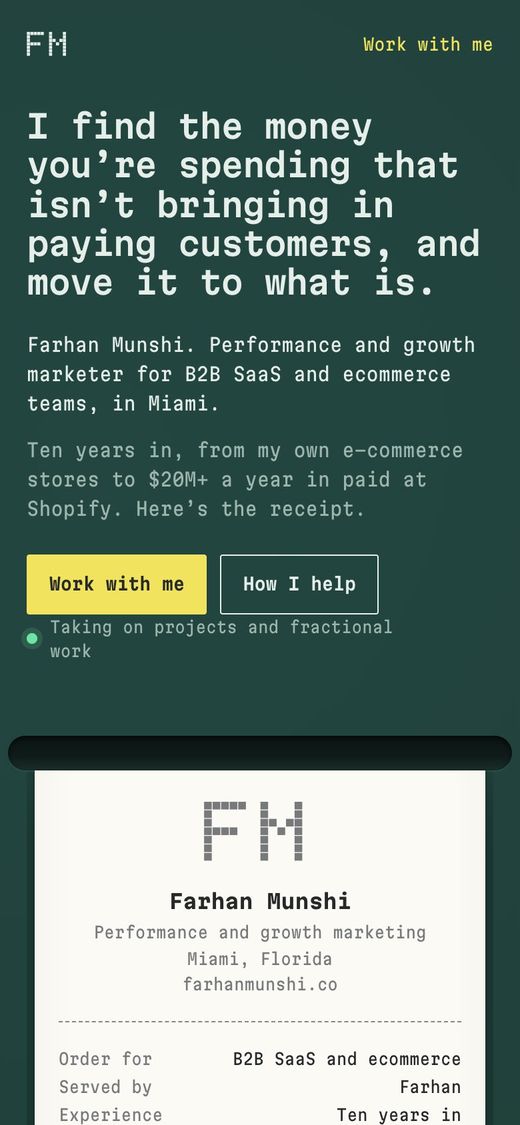
The work as an itemized receipt, printed on a desk next to a photo, a business card and a coupon for a free tool.

Try: hover over the line items.

Open it

Option 2, Receipt, on a laptop
Option 2, Receipt, on a phone
3

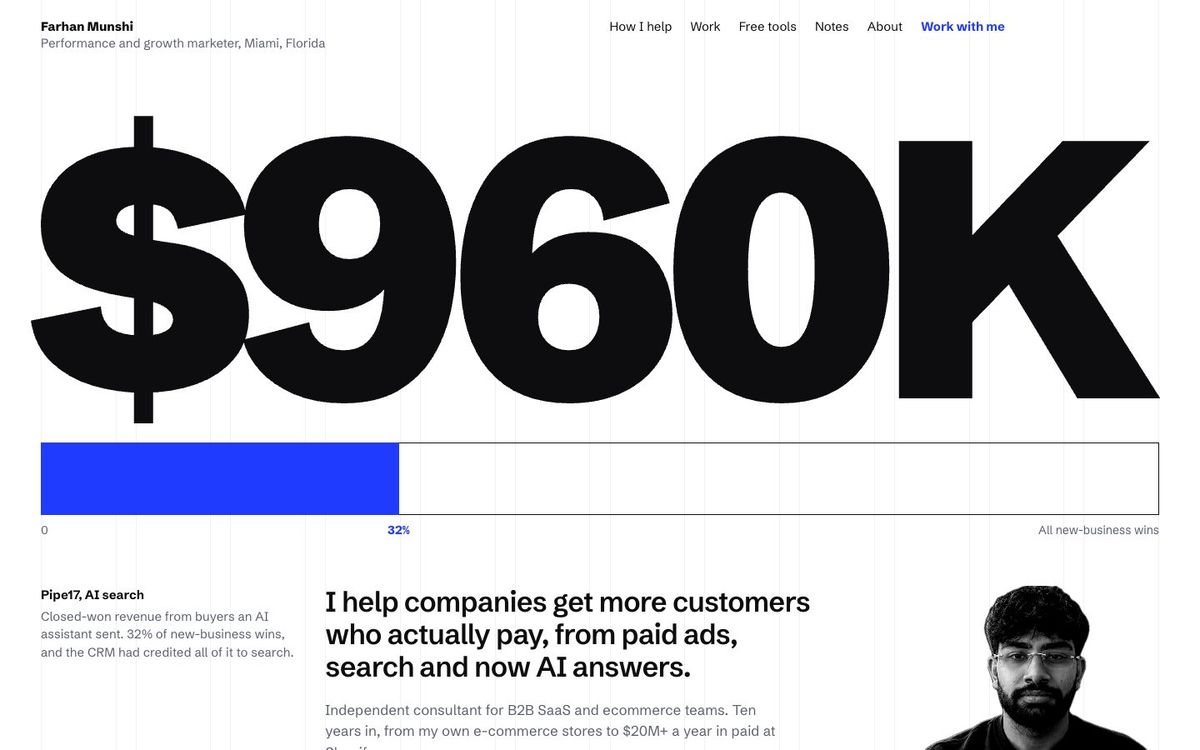
Poster

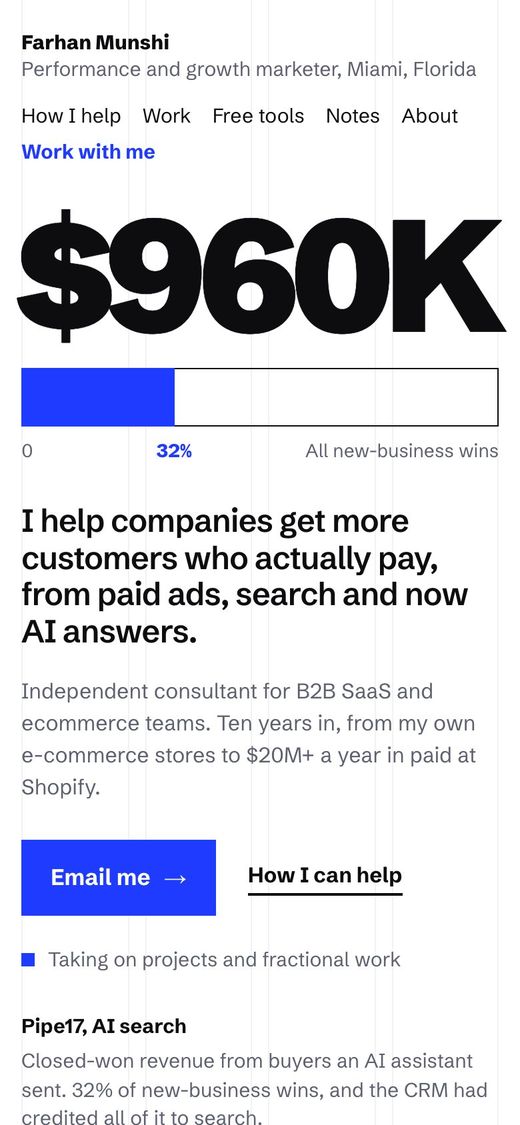
Swiss poster design where the numbers are the design, each one drawn to scale.

Try: hover or tap a big number.

Open it

Option 3, Poster, on a laptop
Option 3, Poster, on a phone
4

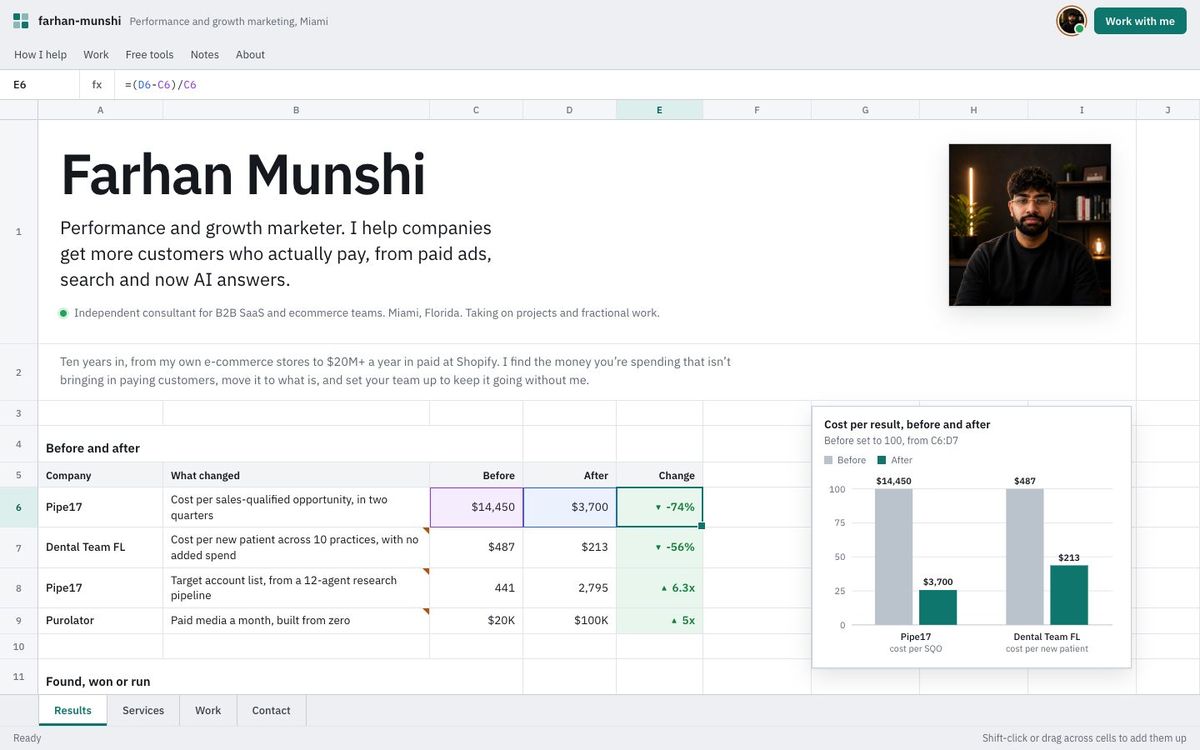
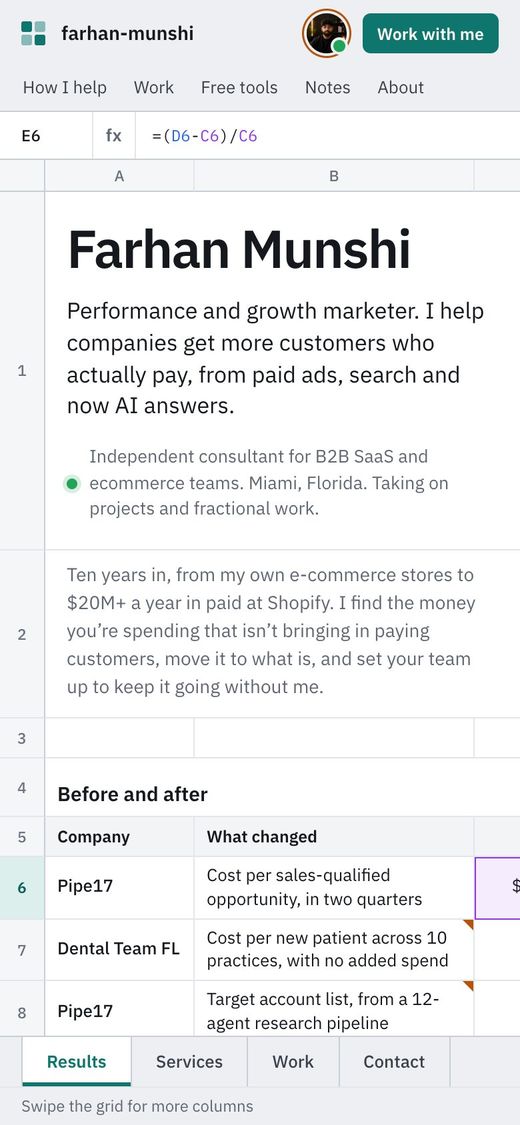
Sheet

The homepage is a working spreadsheet, with real formulas behind the numbers and tabs at the bottom.

Try: click a number in the Change column, then the tabs.

Open it

Option 4, Sheet, on a laptop
Option 4, Sheet, on a phone
5

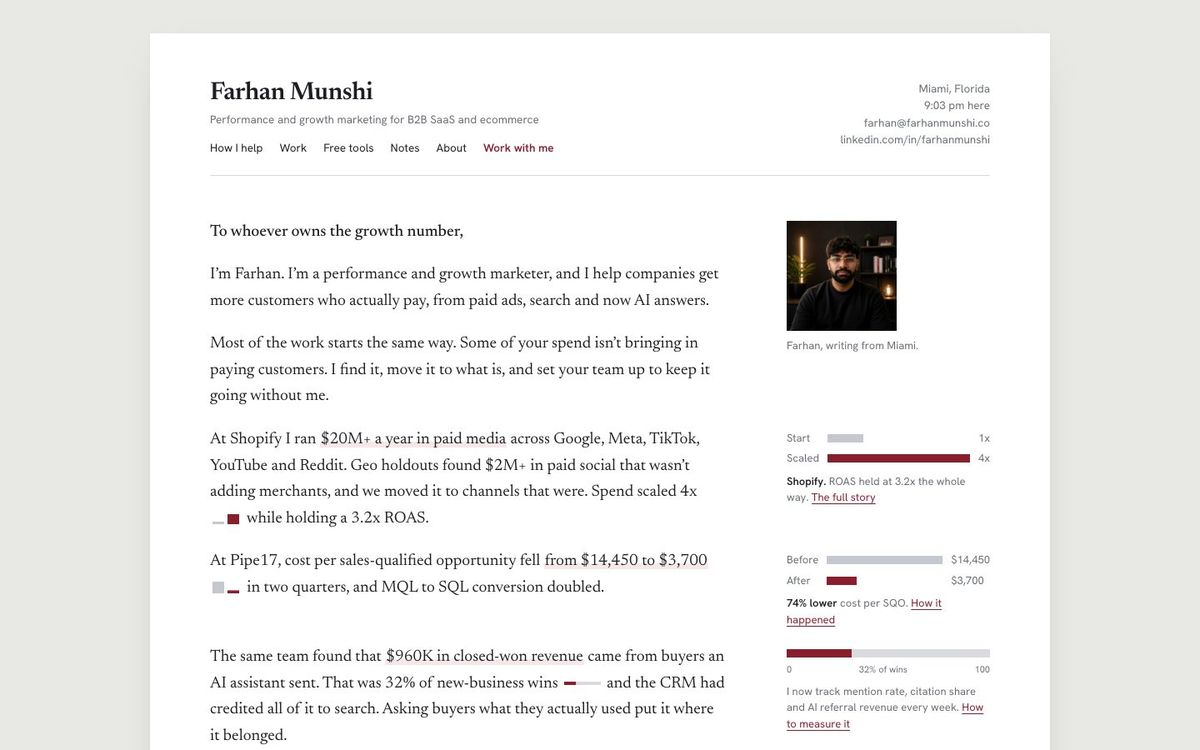
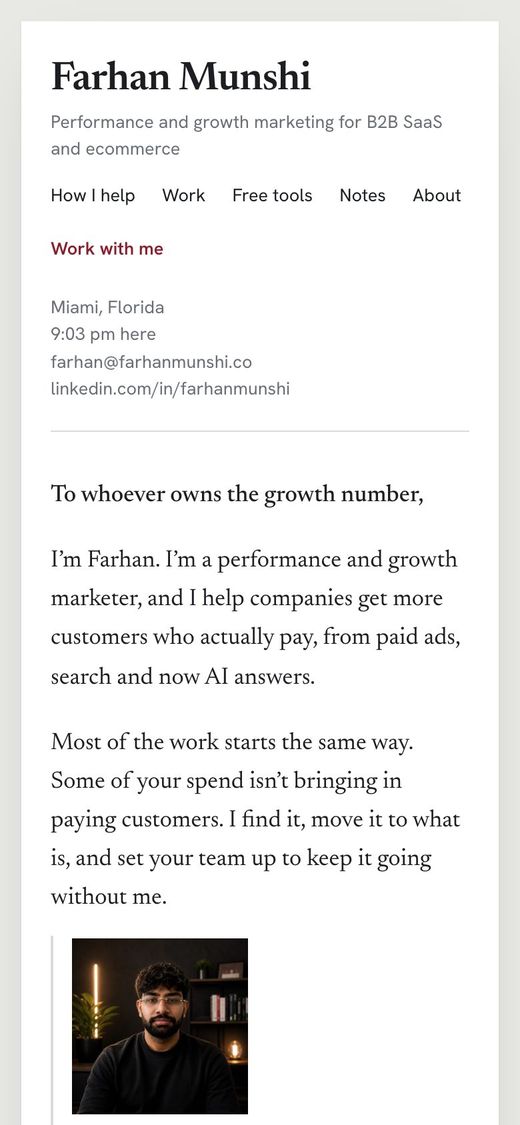
Letter

A letter on letterhead, with tiny charts inside the sentences and notes in the margin.

Try: hover a highlighted number.

Open it

Option 5, Letter, on a laptop
Option 5, Letter, on a phone

Picked one?

Hit “Pick this one” and send it to me, or just text me the number. Mixing is fine too, like the top of one with the rest of another. A line on why helps a lot.

These are drafts. The menus link to the real site, which still has the old design.